the16bitgamer

joined 2 years ago

I agree, for a new user everything including installing nvidia drivers is in a GUI. And if you run into issue due to the size of both Mint and its base Ubuntu, searching for the problems usually results in a solution.

Usually their out going ones are like half off during sales. Currently the 7 is at half off $630 CAD. Which I think is what I paid for my 6 and is the same price as the Forerunner… onsale.

That said the 7 is the newest fenix id buy now that Garmin is ditching the MIPs display for AMOLED.

Really hate that we are moving away from front lit MIPs displays. Only the Enduro has it and it’s not cheap.

[–] the16bitgamer@programming.dev 0 points 1 week ago (2 children)

It was very very onsale, and at the time I was bouldering so I wanted to track it.

Currently using it as a swim watch and if I get a new pebble, I will still be using it as my exercise computer.

[–] the16bitgamer@programming.dev 0 points 1 week ago (4 children)

I have a Pebble Time and when the app stopped working a Garmin Fenix.

I use my smart watch predominantly for Text notifications, call screening and music control.

In the past this was to extend my phone to last more than a day. But now it’s so I don’t need to dig up my phone when I get a notification or call. Great for monitoring things when you are driving or walking.

The biggest benefits of these devices is the insane battery life. Like a Garmin the battery is in weeks not hours. So charging is infrequent unlike the phone.

Pebble though is still the best in this field since their watches use epaper for their displays. So it actually works as a watch. And their devices are application focused, so if it doesn’t come with a timer, you can always download one.

Garmin watches are good, but their move to OLED pushed me away from buying another. And their locked down system makes me concerned with its future as a smart watch. As a sport and activity tracker it’s unrivalled. But I will buy a new pebble before another Garmin.

While I agree with a native port. I think work around like this is also good too since it shows demand. I mean it’s why there is a good level of hype around Linux Gaming thanks to Steam and its Proton compatibility layer.

So long as Affinity isn’t blocked from running like what adobe does. I think this is fine until a universal binary is possible.


If you wanna print it yourself, the model is here: https://www.printables.com/model/1348194-4n-threaded-flat-head-screws-and-nuts-10-32-equiva

Design to be a drop in replacement for 10-32 screws with a much, much higher pitch. These screws are extremely easy to print, is reliable enough that it can hold some weight.

If you wanna print this yourself, you need to make sure that the screw is sideways, so if it breaks it's no on the layer lines.

Using them in my own prints which had metal screws and they are holding quiet well.


The Subtractive Helix is broken and very buggy. But it is the most reliable way to get a screw and nut in the software.


I’ve tried the dev branch of FreeCAD for a while now, but backed off due to how unpolished it felt. But when I saw FreeCAD V1 RC2 pre-release on GitHub Id thought to try it out.

My first impressions didn’t blow me away, sure there were nice UI touches here and there. But nothing really stood out to me. But that changed when I started cading.

It’s not a major overhaul to my eyes. But the nice touches are everywhere. Like adding a TinkerCAD navigation controls option for beginners, and smart snapping and auto constraints enabled by default. So, so nice especially for noobs who don’t know that >.< is a centre constraint in the tool bar.

But I had a quick project, tonight. Redesign an older model from scratch to add in new parts. My original designs were some of the first real work I did in FreeCAD so it was nice to see the improvements. Out side of legacy bugs like attaching a 3 point arc to a line still being present, the process was smooth, not as pain free as Fusion, but better.

Then at the end when I was adding text to my part. I got to see the best update of them all. If you aren’t aware, adding text to a model is annoying. Especially if you want it a distance from a side or in the middle. You needed to use the measuring tool to get deltas and re measure after every change. I was using the new measuring tool like that too, and thank you devs for adding manual controls and deltas. But at the end, I left the measurements on the text, updated the values, and noticed the numbers updated on me… OMG best feature of all time 10/10 best CAD software in the world. This makes my life soooooo much easier now.

If you haven’t already try the RC versions of FreeCAD do so. Sure there is still some open source jank in it, but it’s so much more polished than before that I feel this upcoming release deserves the V1 moniker.

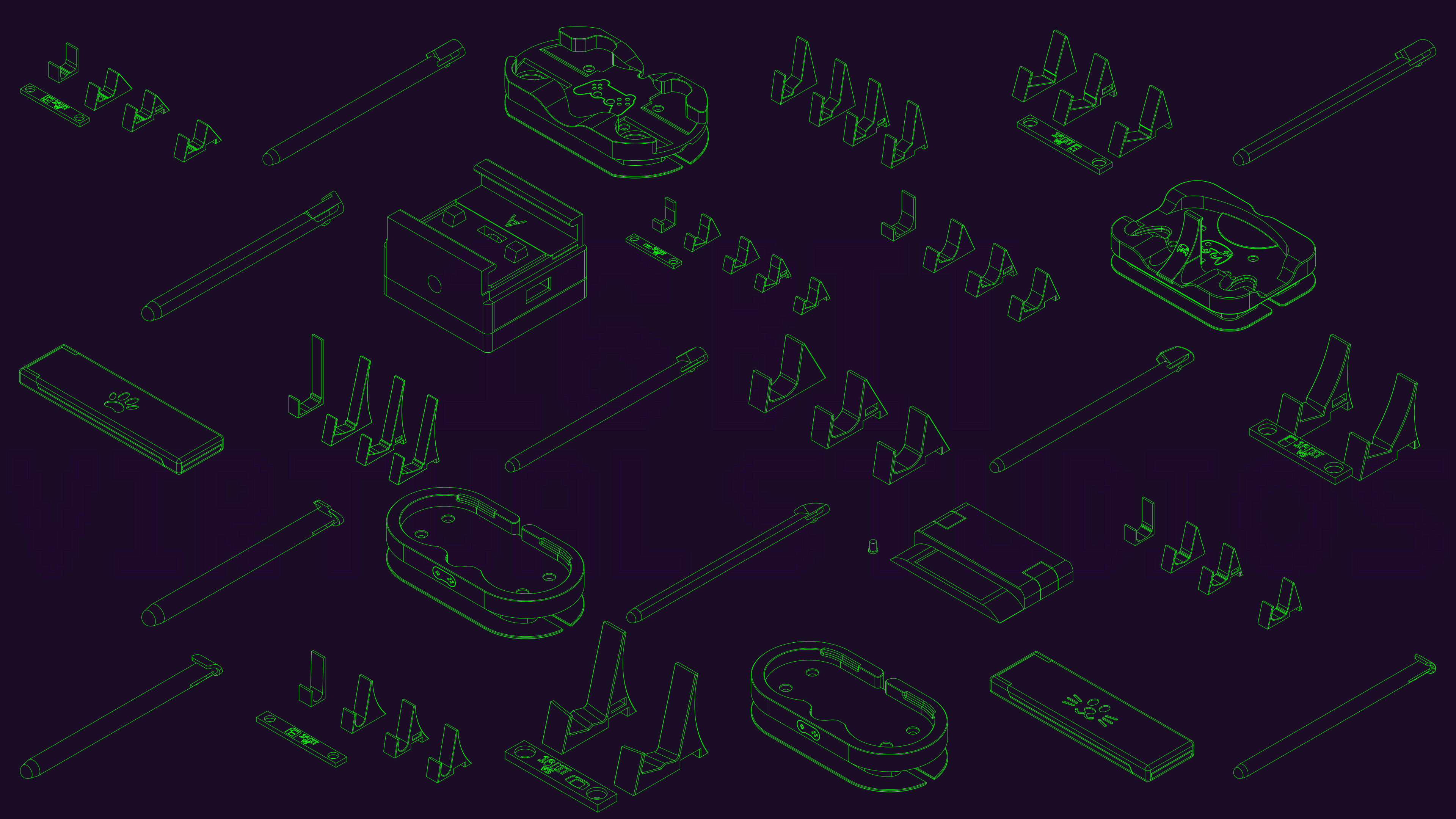
 

Thank you FreeCAD for not pay walling the ability to create technical drawings.

So what I did to make this was to create a technical drawing of all the designs I wanted and I made this photo in Inkscape.

Was designed to be a banner for my social media, but loved it so much that I'm just using it as my desktop wallpaper.