RenegadeSC

joined 2 months ago
[–] RenegadeSC 1 points 19 hours ago* (last edited 19 hours ago) (1 children)

Although RTB is $3 cheaper on the LPK, KTM has a lot of really cheap parts you can add on, like a 10 pack of gas rings for $5.

Another 2 great site to look at for larger purchases is battlehawkarmory and lanbosarmory. They don't always have the cheapest price on smaller items but when looking for uppers, lowers, LAMs, optics, lights, etc.. I've personally saved hundreds over the years with them.

[–] RenegadeSC 4 points 1 day ago* (last edited 1 day ago) (3 children)

Just checked and KMTactical seems to have the lowest price im finding. $28.99 complete LPK minus grip, shipping is $7.95

Edit: Right to Bear is actually $3 cheaper with their BLACK25 code

[–] RenegadeSC 1 points 1 week ago* (last edited 1 week ago) (1 children)

I have my printer in my bedroom so I've been trying to stay away from ABS and other filaments that aren't as safe to be breathing in. I plan to make a fume extractor though. How does their ABS compare to other brands?

[–] RenegadeSC 2 points 2 weeks ago* (last edited 2 weeks ago)

Yeah my bad, it's 210/250F or 100/120C depending on annealing method.

[–] RenegadeSC 3 points 2 weeks ago* (last edited 2 weeks ago) (2 children)

I was recommended it by another user and im glad they did, for the price its a great filament that has quite a bit of use cases. When annealed it can withstand 210-250F and per grok with 10 walls, 10 top/bottom layers, and 100% infill it should withstand 1-2 meter drops on hard surfaces with only scuffs. I'll be testing that part out when I design some Gen 1 NV housings. The common con I hear about this filament is that its brittle but it seems to have some serious strength so time will tell. One more upside is its low moisture absorption.

13
submitted 2 weeks ago by RenegadeSC to c/builds
 

100004054010000405421000040544100004054310000405451000040546

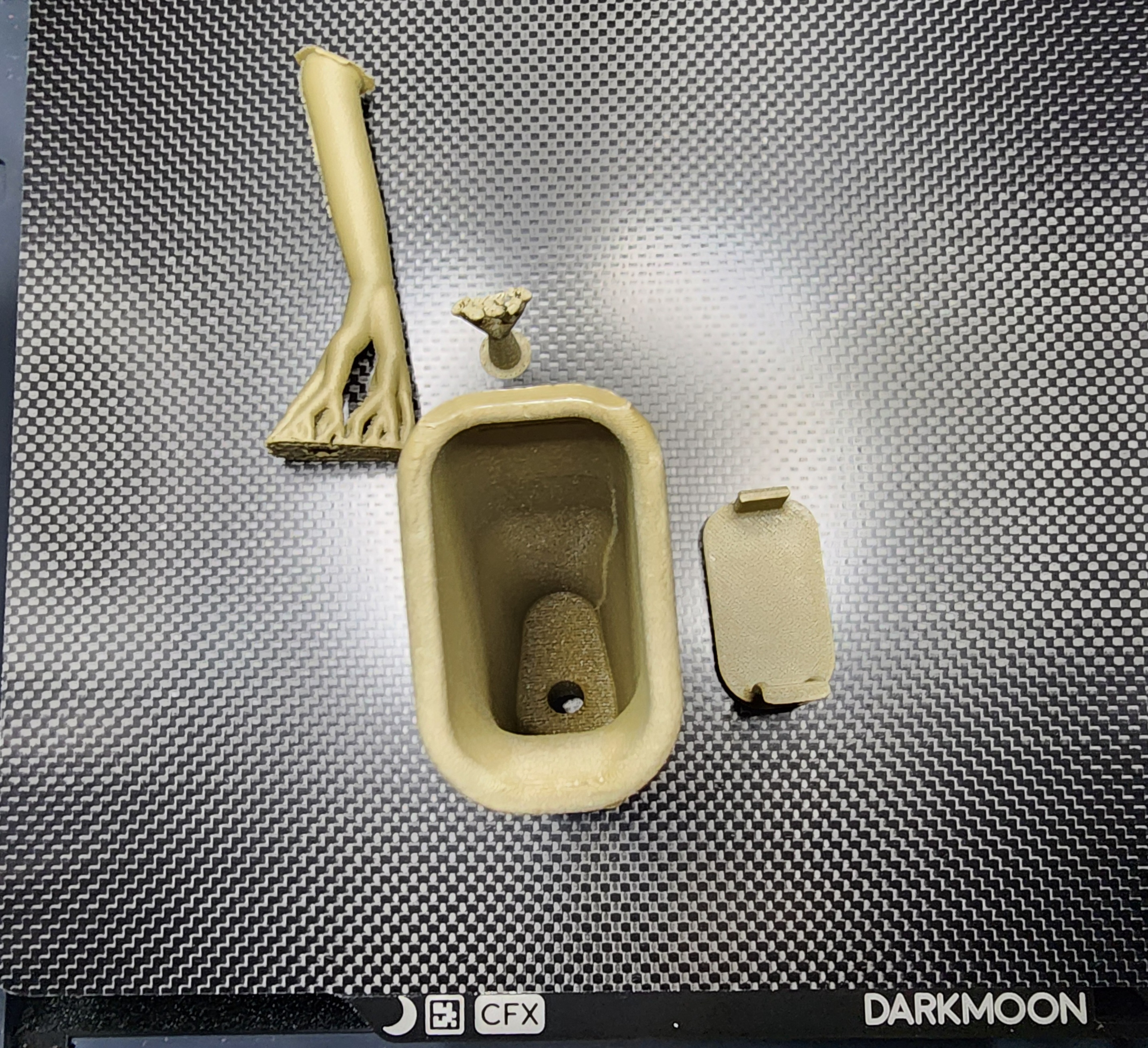
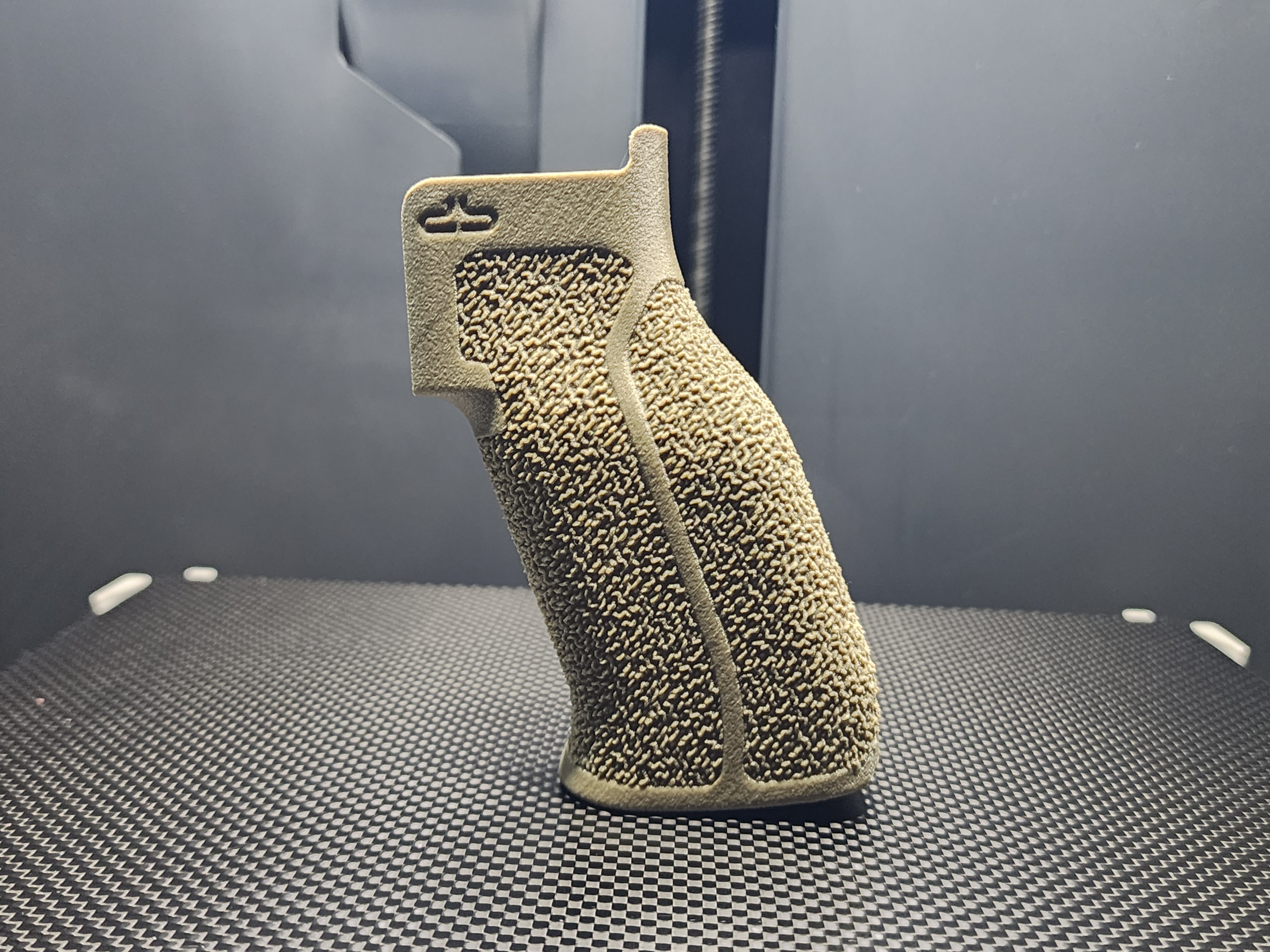
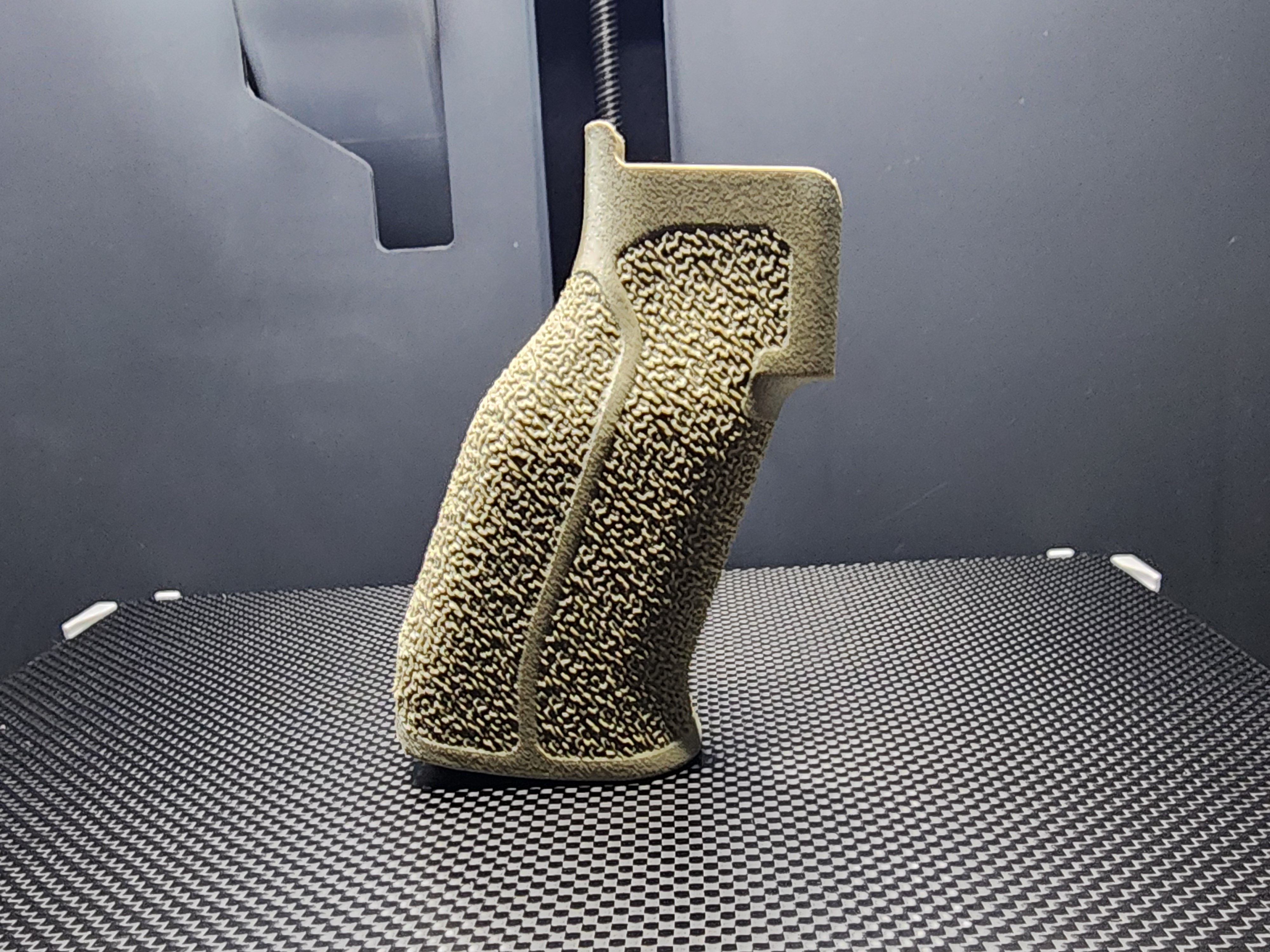
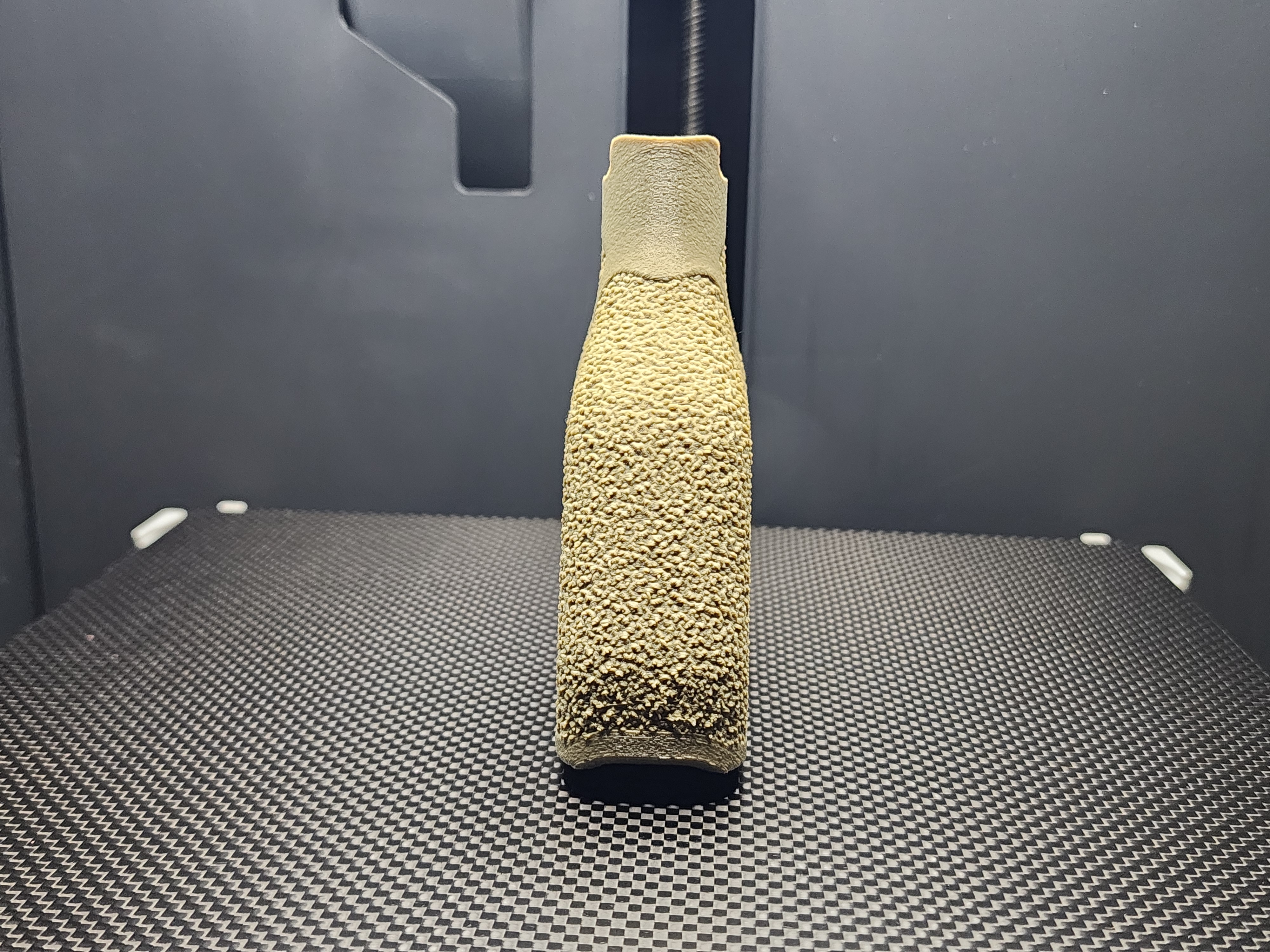
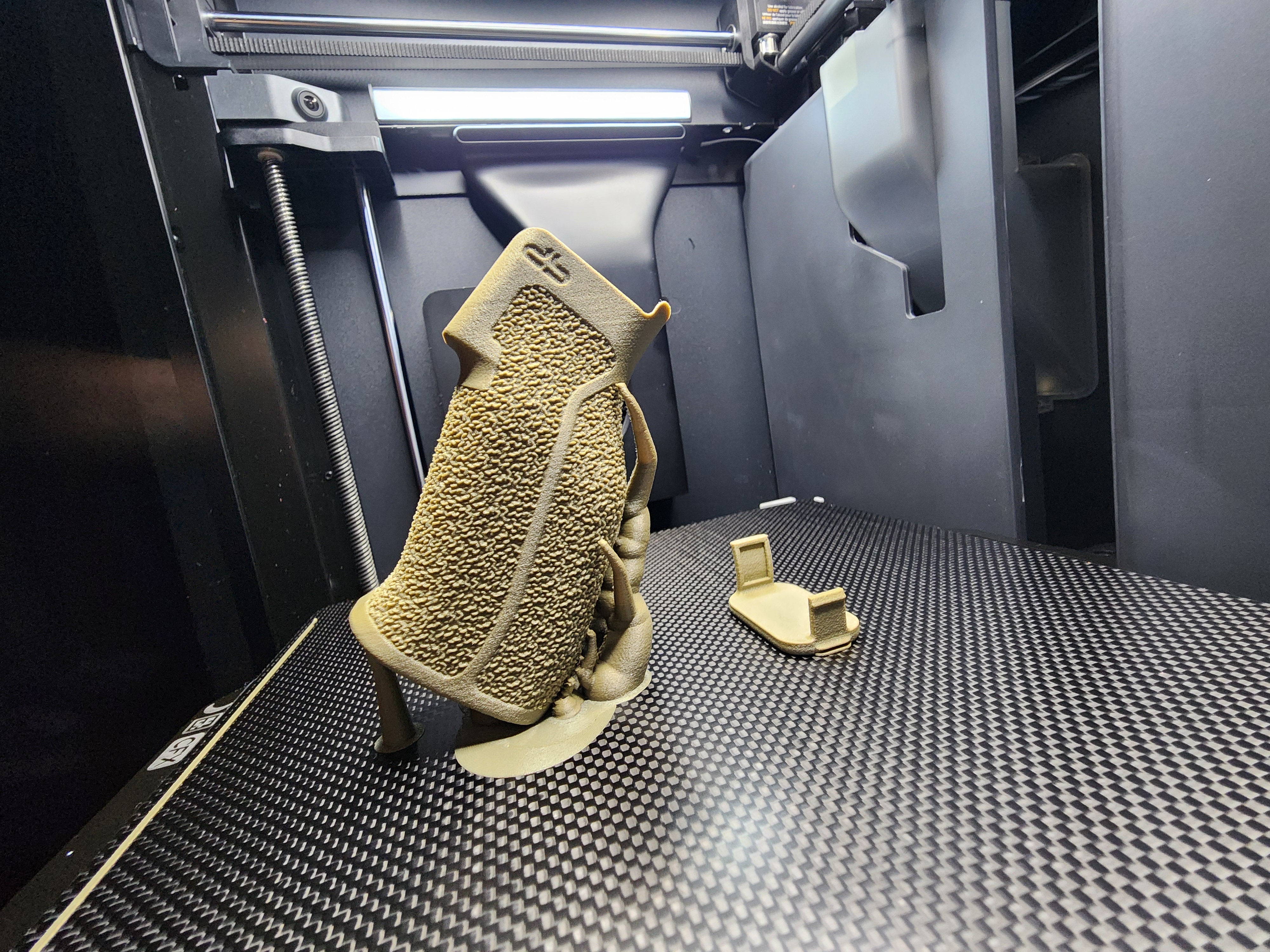
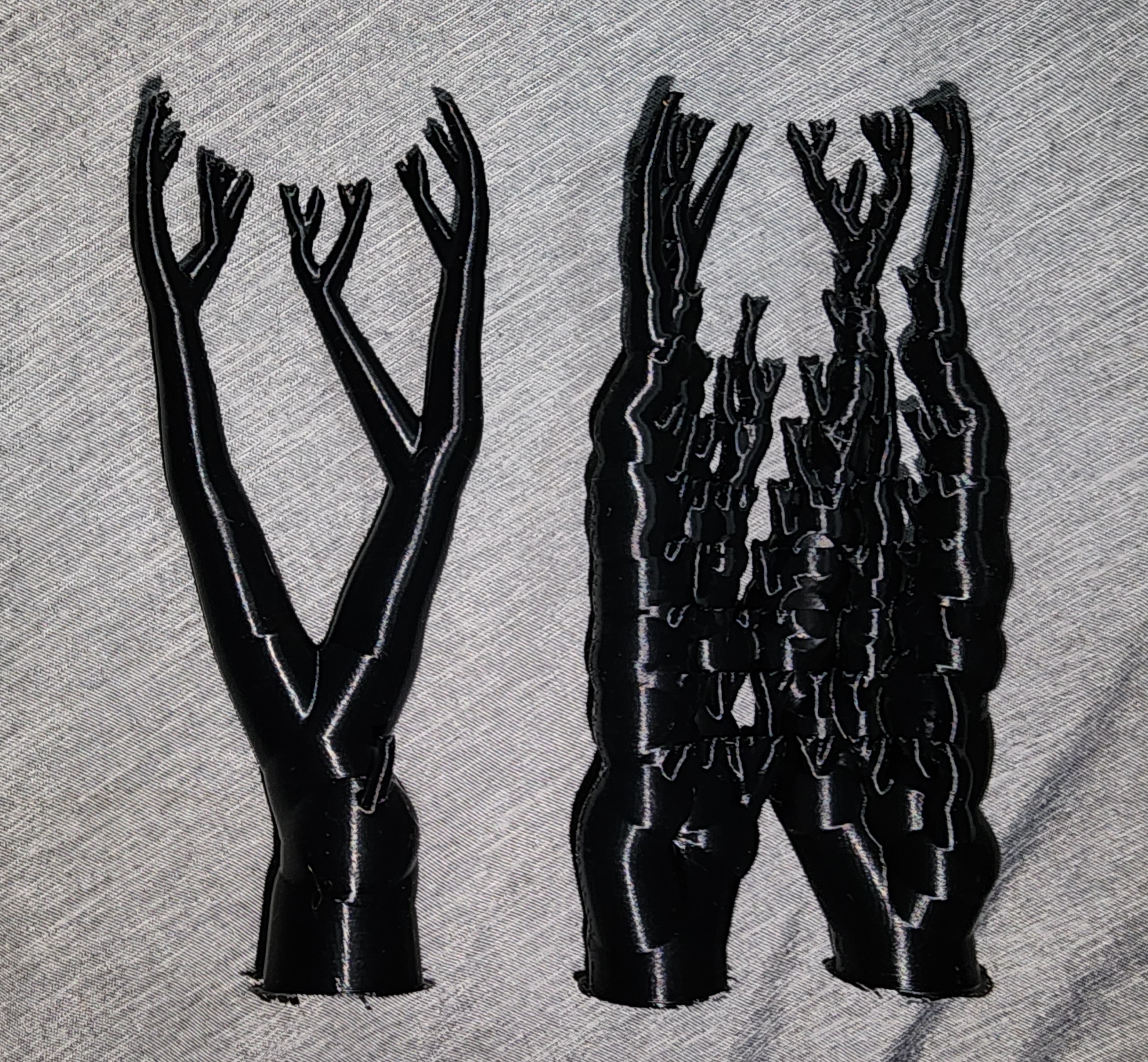
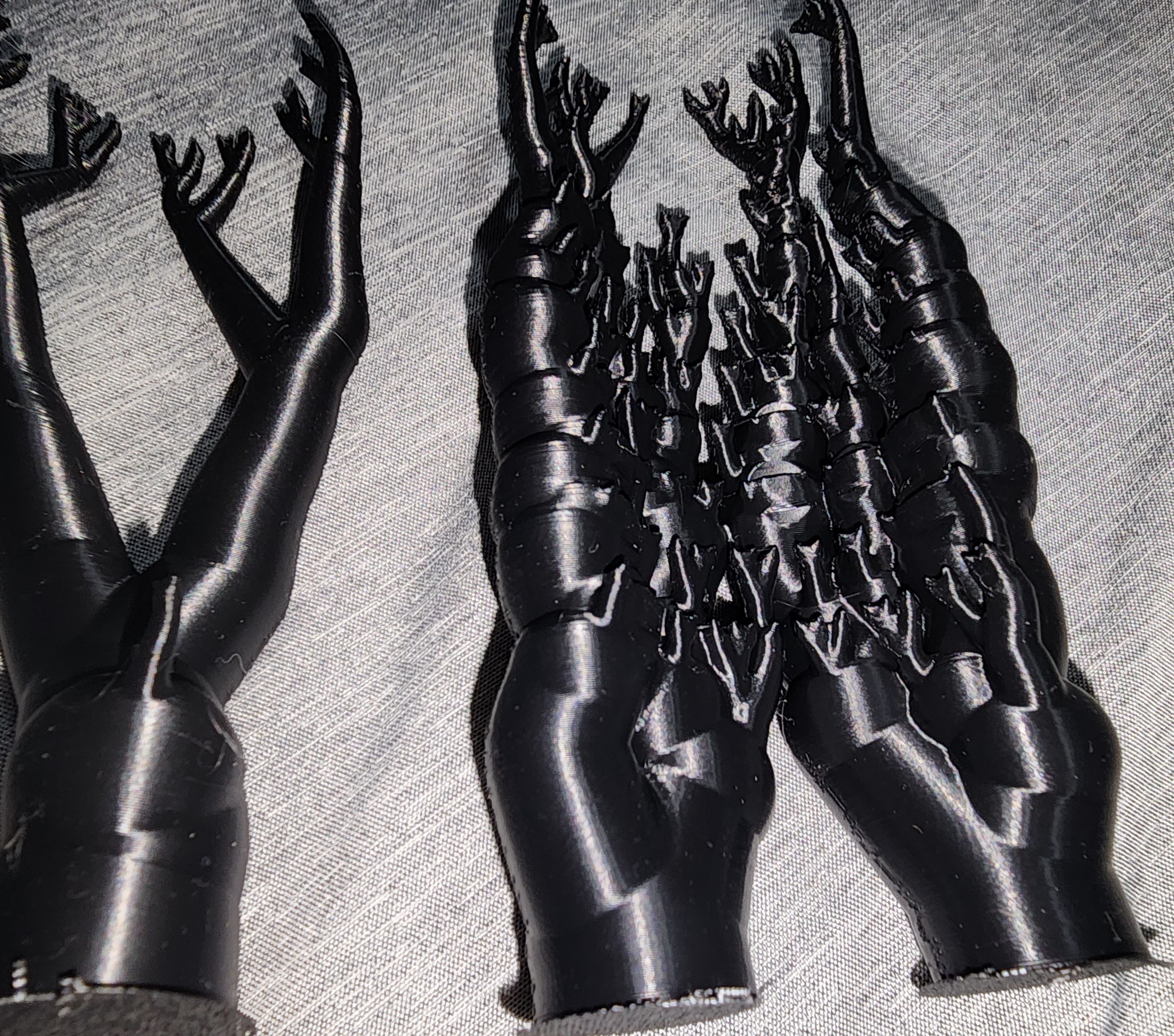
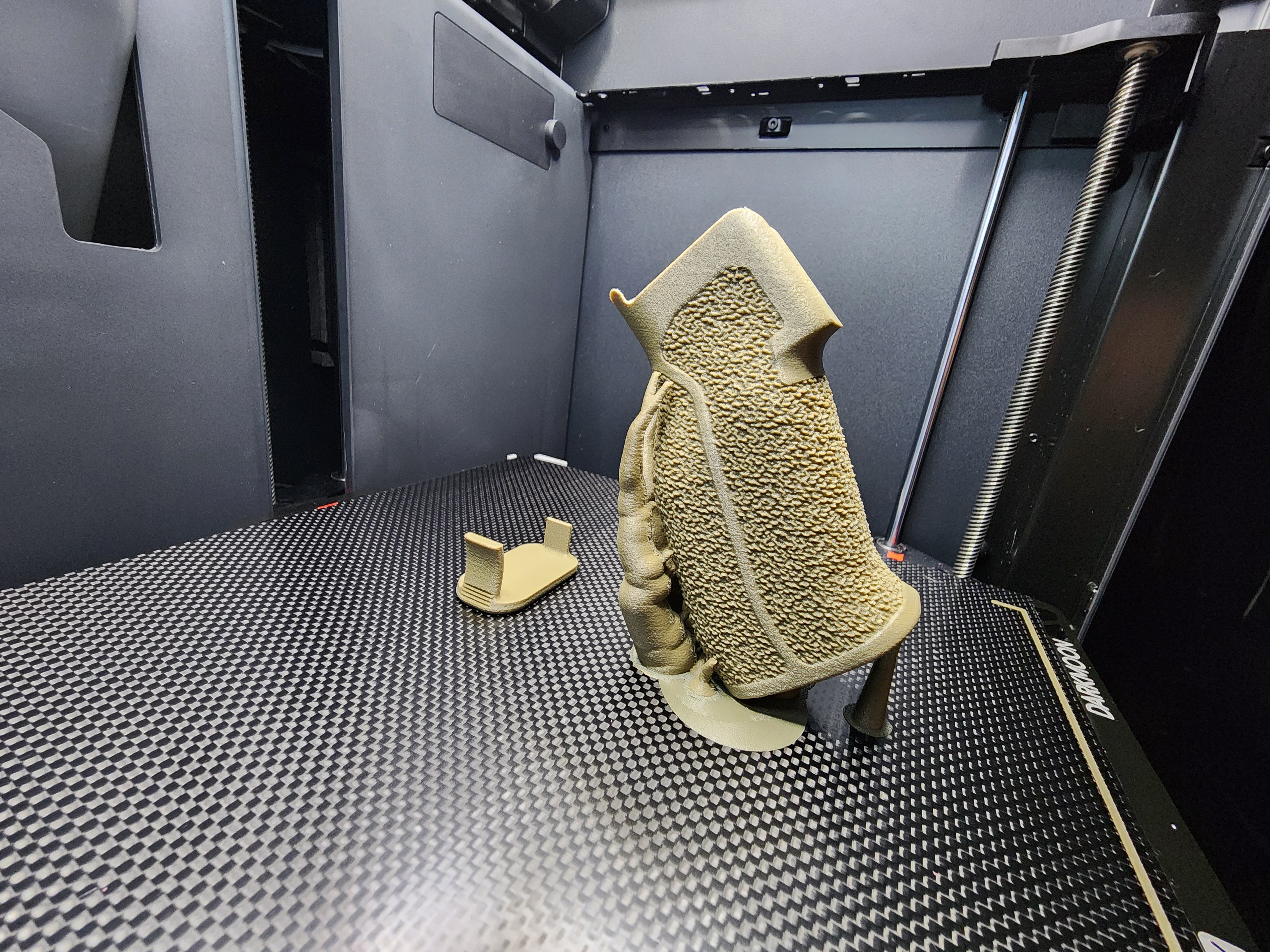
First print after calibration using Siraya Tech PET-GF in FDE. Print came out nice and is surprisingly strong at only 25% gyroid infill. I used 8 walls with 6 top/bottom layers. Printed at 300C nozzle with 80C bed on a Bambu P1S using a Darkmoon CFX build plate and printing from a 60C dryer. 0.4mm nozzle at 0.16mm layer height. One nice benefit to this filament is it comes completely dry and ready to print with Siraya Tech even warning not to dry it unless its needed at the filament has a low moisture absorption rate.

11
submitted 1 month ago* (last edited 1 month ago) by RenegadeSC to c/builds
 

10000396501000039651100003964910000396521000039653

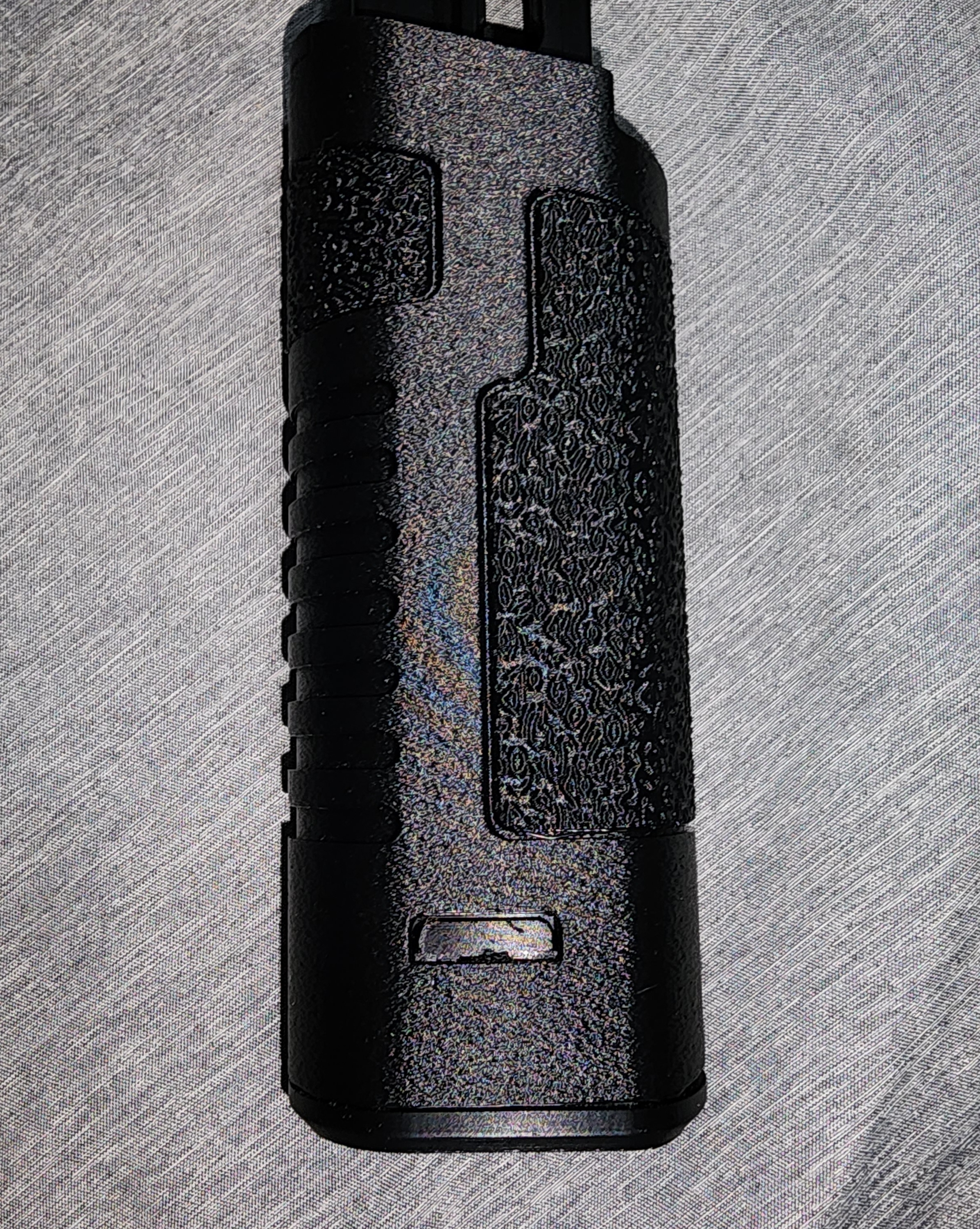
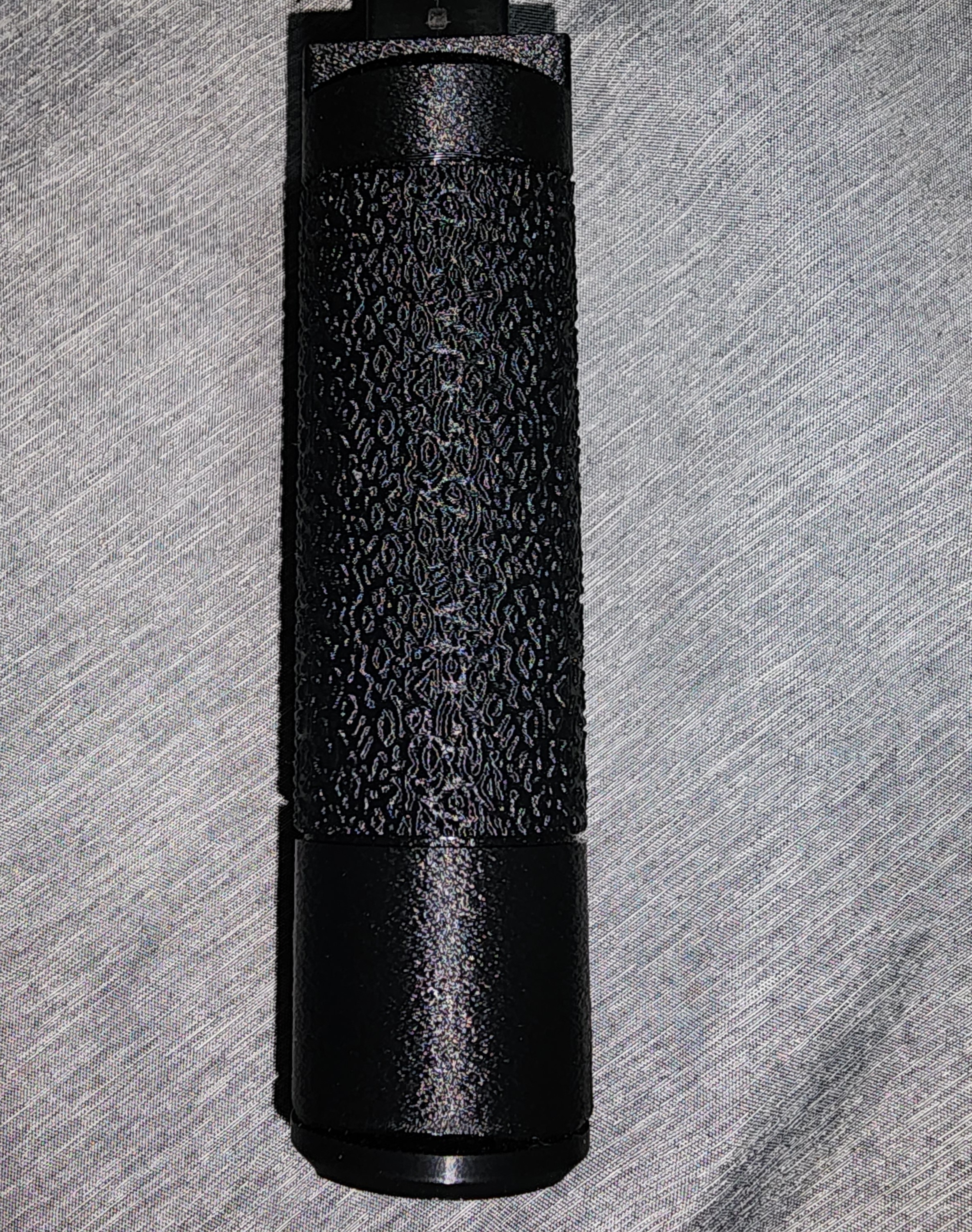
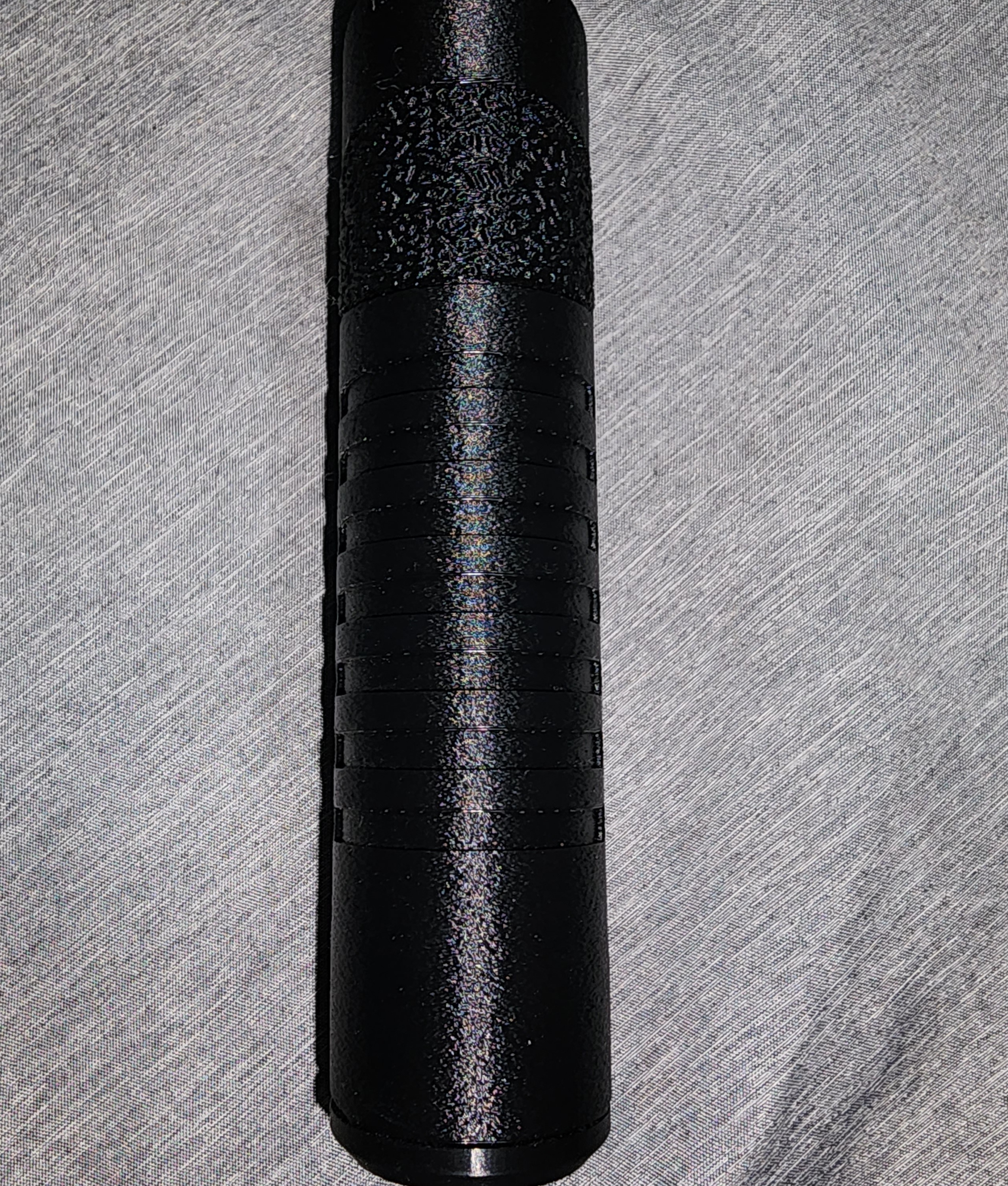
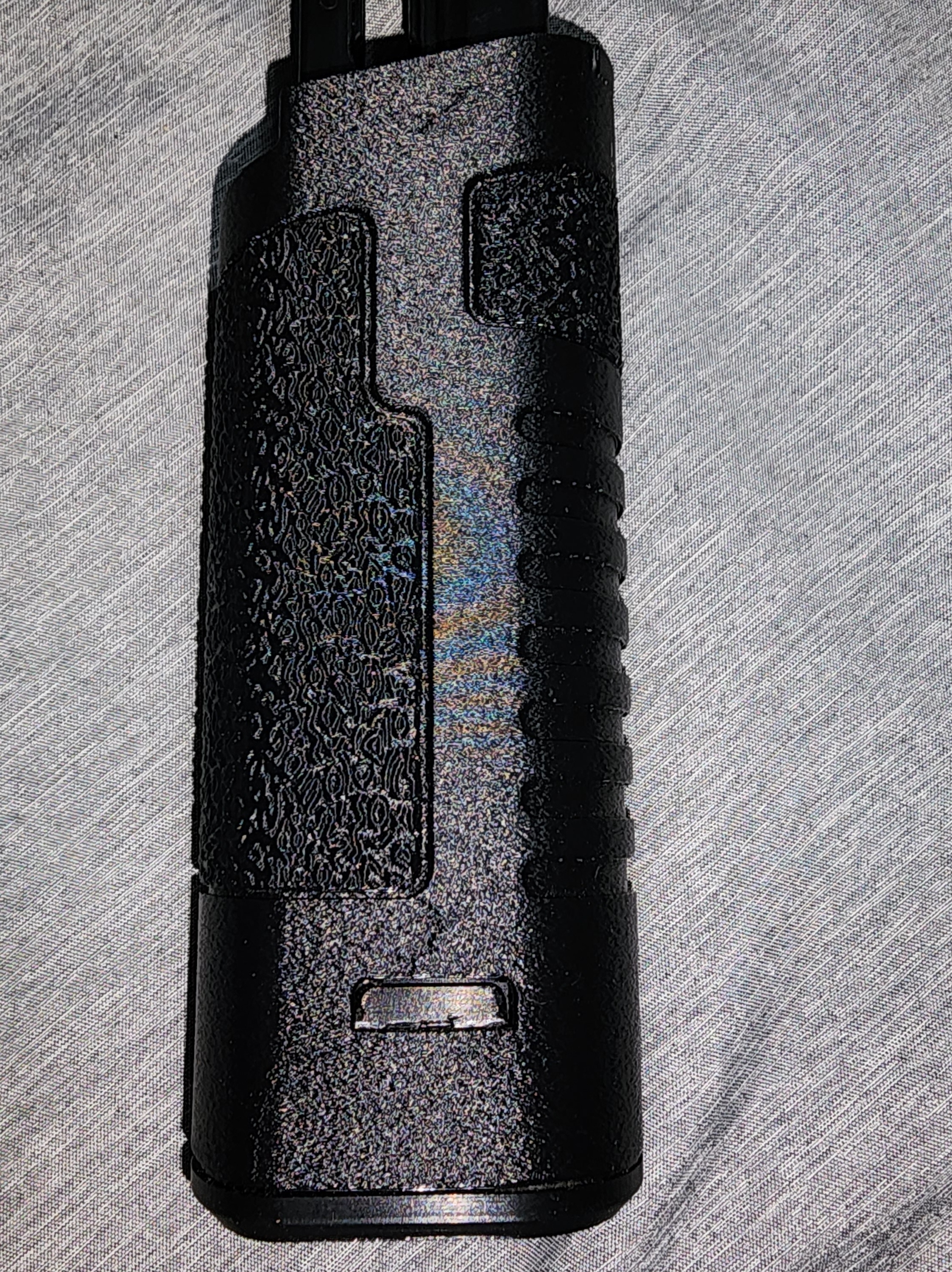
This is in Overture PLA Pro using 0.15mm layer height with a 0.1 fuzzy texture and 99% infill. It's 300BLKFDE's PA6-CF settings with a PLA Pro profile and modified support settings.

17hr print time, yes PLA can be printed much faster, but the increase in quality is worth it in my opinion.

Correction: It's the BoomTube 22 - https://odysee.com/@the_fly1ng_v1k1ng:9/BoomTube-22:5

[–] RenegadeSC 1 points 1 month ago* (last edited 1 month ago)

Is it compatible with a Mac 10 .45 upper? I've only seen the ones using Mac 11/9 uppers chambered in 9mm as the uppers are longer and slimmer.

[–] RenegadeSC 1 points 1 month ago (1 children)

Interested in what AI models you would recommend for local hosting.

[–] RenegadeSC 1 points 1 month ago

I just got a P1S, and while calibrating filaments, I decided to try 300blkFDE's settings with my filament profile for Overture PLA Pro. It prints slow, but the results are fantastic, beautiful surface finish, and strong layer adhesion. It may not be necessary to slow PLA down so much, but for something I want to be strong in PLA, I'll take the added print hours.

[–] RenegadeSC 2 points 1 month ago

From the califlower test, I had a -0.1% skew. Fixed that and adjusted for shrinkage. Just printed another flashider, and it's much better now. Tight initially, but once worked back and forth, it threads on well. I imagine a tight fit is better than a loose fit.

[–] RenegadeSC 2 points 1 month ago (2 children)

I haven't tested tolerance yet. I'll be printing a cauliflower when I get home. I downloaded the file, so idk what tolerance they had baked into it or if it was a true 1/2×28 thread modeled in.

5
submitted 1 month ago* (last edited 1 month ago) by RenegadeSC to c/help
 

Tested a print of a muzzle device after calibrating some PLA Pro. The print came out looking great. However, the 1/2x28 threads in the ID are very loose, so much that with minimal force, you can pull straight past them.

So, I've seen a few different ways to fix this, but I wanted to see what the community agrees to as the "best" practice to adhere to.

Do I adjust for shrinkage, add in additional tolerance in the modeled threads, or do something else entirely?

Bambu P1S

0.4mm Nozzle

0.16mm Layer Height

Overture PLA Pro


I've seen the DB with a slip trip for the SS, but that uses M11/9 uppers. Are there any options for M10 uppers with an SS?

[–] RenegadeSC 2 points 1 month ago (1 children)

Unfortunately, the released Beta files still only support Gen 3 at the moment. I was looking into it for a Gen 4 slide, but no dice as of yet.

[–] RenegadeSC 1 points 1 month ago

It's at 25.5mm/s

3
submitted 1 month ago* (last edited 1 month ago) by RenegadeSC to c/3dprinting@lemmy.ml
 

I've spent the last few days trying to get PETG to print on the P1S.

PLA and PLA Pro printed great with no change to settings and just using the default 0.4 nozzle 0.16mm optimized presets in Orca. Examples: https://imgur.com/a/lx7KzRA

PETG, on the other hand, has been a pain in the ass. The preset for PolyLite PETG failed on my first print miserably, so I aborted after the first few layers. I then attempted a flow rate test as it was under extruding, that test was a failure, and continued to fail until I increased the flow rate from 0.95 to 1.197. At this point, I adjusted it per pass 1 and 2 but was still having issues. I printed a temp tower and decided on a 255C first layer with 250C additional layers. Still no dice, so I looked for suggestions on YouTube. Found a guy swearing by increasing the temp to 279C on the P1S. I tried that, went through all filament calibration tests from flow rate, pressure advance, retraction, max flowrate, and VFA. Tests were looking good, so I tried the original failed print once again, and it turned out pretty good other than the underside of the arch. I used Tree (Auto), but that evidently wasn't good enough. The print is functional, and as everything looked good and my next parts didn't have overhangs, I decided to give them a go. These were complete fails and underextruding all around. I imagine the increased temp along with the pauses for movement on this print may have contributed to burning the filament. Examples: https://imgur.com/a/2nOJ7hb

In short, im at my wits end with PETG on this printer, and it's apparently a common issue. I dried for 6 hours at 65C, then kept the filament in a Sunlu S2 at 55C while printing. 0.4mm hardened steel nozzle, 0.16mm Optimal Preset with walls set to "3" and printing order set to "inner/outer/inner", using the stock Textured PEI build plate, PolyLite Grey PETG, P1S on firmware V01.08.00.00, and Orca on v2.3.1.

If anyone can share their PETG settings, im all ears, thanks.
5
submitted 2 months ago by RenegadeSC to c/general
 

For those using a P1S, what are the pros/cons of various firmware versions? I've seen mentioned that some versions locked down more control over the printer, but I haven't seen mentioned what exactly it changed or what versions did so. I plan to just use the printer in LAN mode, so are there any benefits to updating the firmware, or should I just leave it as it shipped?

5
submitted 2 months ago* (last edited 2 months ago) by RenegadeSC to c/general
 

I know the FMDA and several others that use P80 parts are Gen 3, but are there any frames for Gen 4? Overall, what are the best options currently?

Just pulled the trigger on a P1S and got quite a few filaments to test. What's some other good projects I should start with?


Looking to finally make the jump from my old Ender 3 to a better printer, I've upgraded the Ender quite a lot but have run into multiple problems over the years with custom firmwares. During my last move, I snapped the SD card slot off the main board and have had issues getting the new one back up and running. With all of that said I'm ready to just buy once, cry once, and get back to printing.

The options I'm looking at are either the X1C or the P1S. I wanted to get opinions here, as from what I've found so far, the P1S seems to have the same print speed/quality, just minus the AI, and upgraded steel components. How capable is the P1S stock, and what upgrades, if any, would be recommended?

From what I've found, the AMS 2 seems to be the ideal choice over the OG AMS due to the drying function and more user-friendly design. It's $120 more for the AMS 2 combo than the AMS combo, so for those of you who have these setups, is the AMS 2 worth it?

Other than the printer selection, what are your go-to filaments and brands? I've seen PPA-CF, PA6-CF, and PAHT-CF mentioned, but don't really understand the pros and cons of each.

I was a long-time lurker on the Fosscad sub, but I am hoping to contribute moving forward.

view more: next ›